
If your League of Legends client is not loading, you’re not alone. Many players around the world face this frustrating issue when trying to launch the game. Whether the client freezes, gets stuck on the loading screen, or refuses to open at all, it can ruin your gaming experience. In this guide, we’ll explore the common causes behind this problem and the best solutions to get your LoL client running smoothly again.
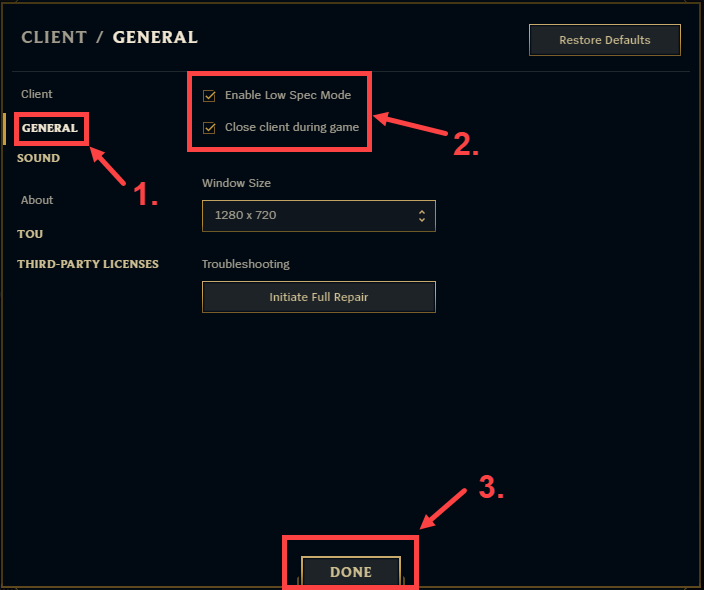
1. Common Causes of the League of Legends Client Not Loading
Several factors can cause the League of Legends client to malfunction. Here are the most common reasons:
a. Corrupted Game Files
Over time, some game files may become corrupted or go missing. This can prevent the client from launching correctly.
b. Outdated or Incompatible Software
If your graphics drivers, Windows updates, or even the Riot Client are outdated, the game may fail to load.
c. Background Applications
Other software running in the background—especially overlays like Discord, Steam, or MSI Afterburner—can interfere with the game’s startup.
d. Network Problems
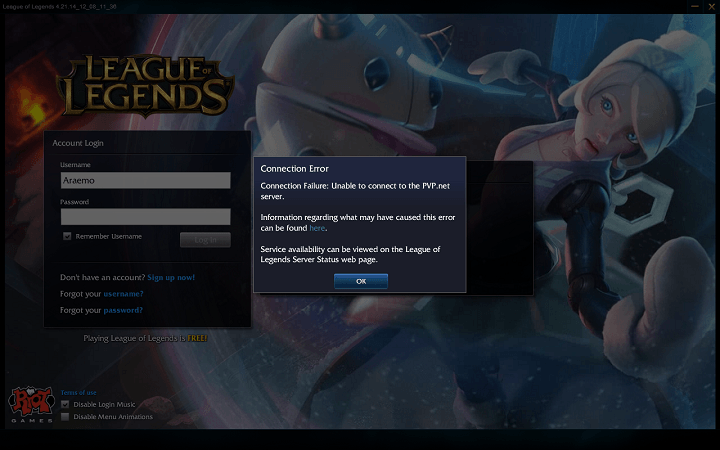
Unstable internet connections or blocked Riot servers may also stop the client from loading.
e. Cache or Config File Issues
Temporary files and old configuration settings can sometimes conflict with new updates, causing the client to crash or freeze.
 2. How to Fix League of Legends Client Not Loading
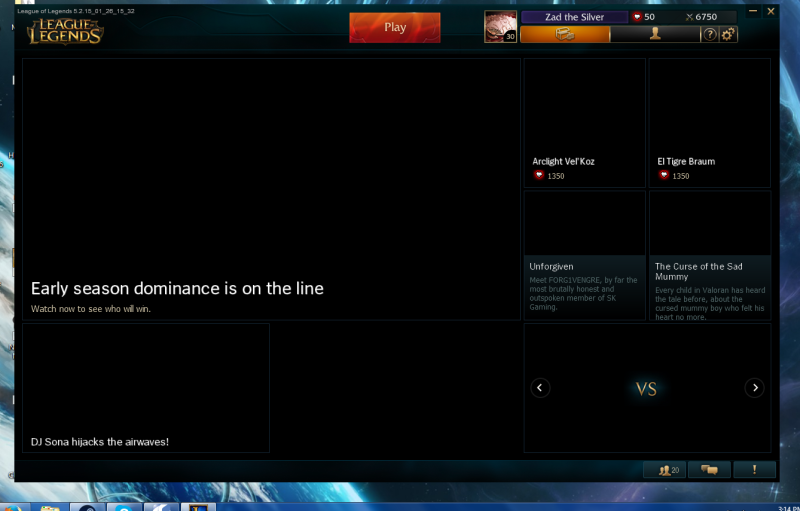
Below are several proven solutions you can try, step by step.
1. Restart Your Computer and Riot Client
It may sound simple, but restarting often clears up temporary bugs or background conflicts.
2. Run the Game as Administrator
- Right-click the League of Legends shortcut and select “Run as Administrator.”
- This gives the game necessary permissions to start correctly.
3. Update the Riot Client and Your System
Make sure your Riot Client, Windows, and GPU drivers are fully updated. Riot frequently releases patches that fix known loading issues.
4. Repair the Game Files
The Riot Client includes a repair tool. To use it:
- Open the Riot Client
- Go to Settings → League of Legends → Repair
This process can take several minutes but often fixes corrupted or missing files.
5. Disable Background Applications
Close unnecessary apps before launching LoL, especially those that use overlays or screen capture features. Tools like Discord or GeForce Experience sometimes conflict with the client.
6. Clear Cache and Config Files
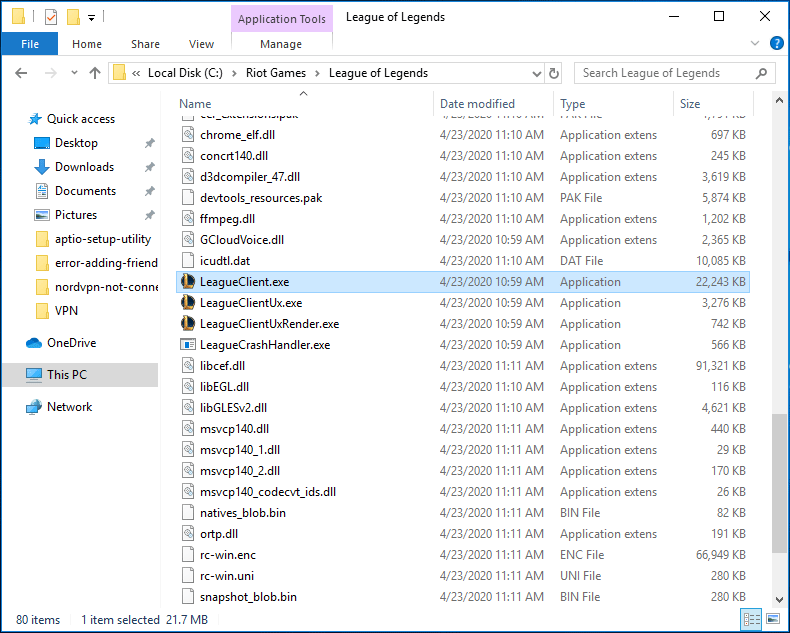
- Navigate to your League of Legends installation folder.
- Delete the Config and Logs folders.
- Restart the client to rebuild them automatically.
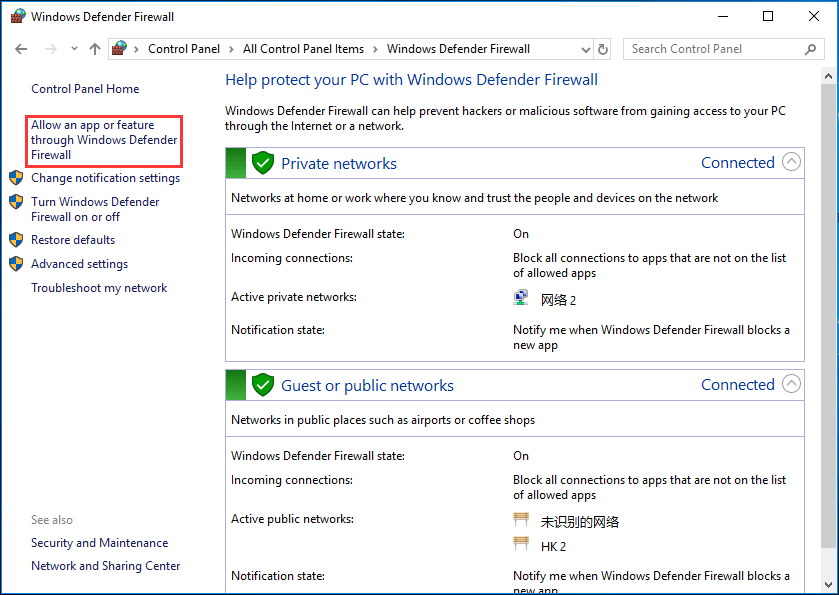
7. Check Firewall and Antivirus Settings
Sometimes your firewall or antivirus blocks Riot’s servers. Add the Riot Client and League of Legends folders to your security software’s exception list.
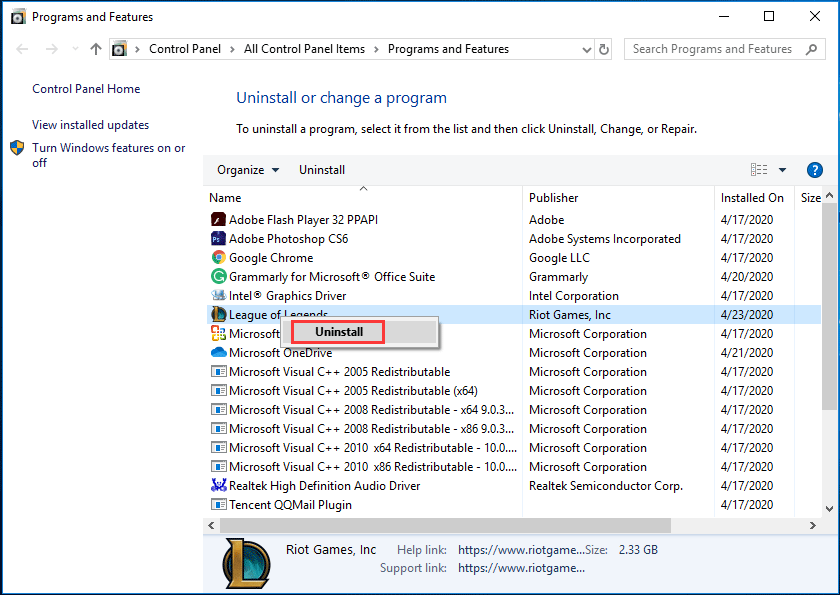
8. Reinstall the Game
If all else fails, uninstall and reinstall League of Legends completely. This ensures all game components are refreshed.

3. Bonus Tip: Use the Hextech Repair Tool
Riot provides an official tool called the Hextech Repair Tool. It automatically scans your game installation, network settings, and firewall to detect problems.
Download it from the official Riot Games support page and follow the on-screen instructions. It’s one of the easiest ways to fix persistent loading issues.
4. Prevent Future Client Problems
To minimize the risk of your League of Legends client not loading again:
- Keep your system and drivers up to date.
- Avoid installing unnecessary third-party mods.
- Regularly restart your PC to clear temporary files.
- Ensure you have a stable and fast internet connection.
Conclusion
When your League of Legends client won’t load, it’s usually due to simple issues like corrupted files, outdated software, or conflicting programs. By following the steps above—repairing the client, updating your system, and clearing cache—you can usually get back into the game quickly.
If the problem persists, visit Riot Games Support for further assistance. Stay patient, follow these troubleshooting methods carefully, and you’ll be back on the Rift in no time!
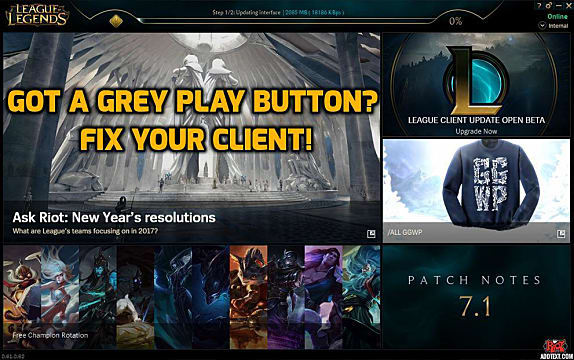
 Play Button Grayed Out Here S How To Fix Your League Of Legends
 Client Font Display Rendering Issues Leagueoflinux
 Play Button Grayed Out Here S How To Fix Your League Of Legends
Introducing The Client Cleanup Campaign League Of Legends
Cannot Login To League Of Legends Client After 8 4 Update Patch
 All The Things That Are Wrong With The League Client 2020
 Overwolf Support Help Center
 All The Things That Are Wrong With The League Client 2020
 Fix Lol Pvp Net Patcher Kernel Has Stopped Working Easily
 New League Of Legends Client Bugs Have Players Angry With Riot
 How To Fix League Of Legends Connection Issues
 Lol League Of Legends Client Not Working Not Showing Friends
 League Voice Chat Troubleshooting League Of Legends Support
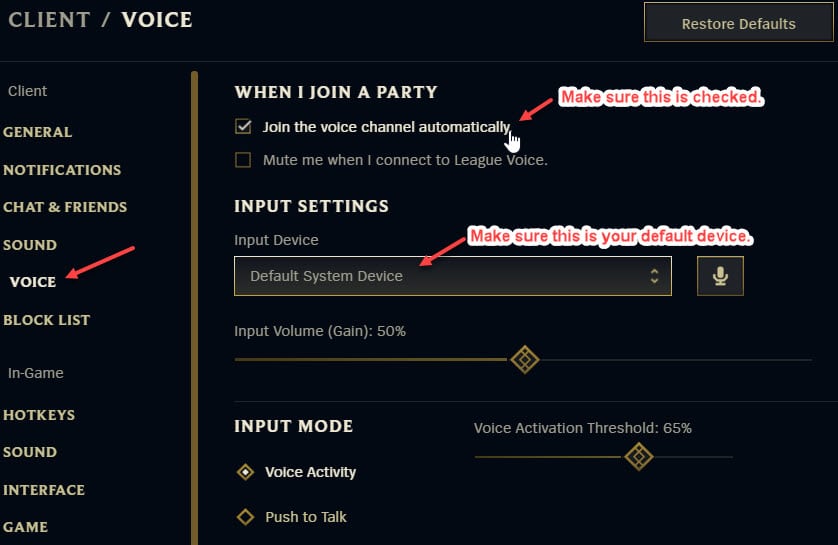 How To Solve If League Of Legends Voice Chat Not Working
 League Of Legends Patch 10 1 Reported Issues
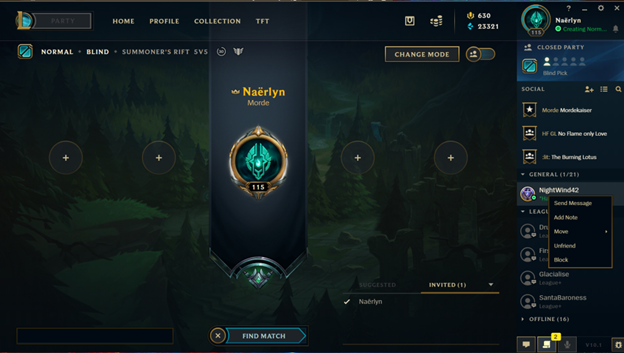 League Of Legends Currently The League Of Legends Client Has
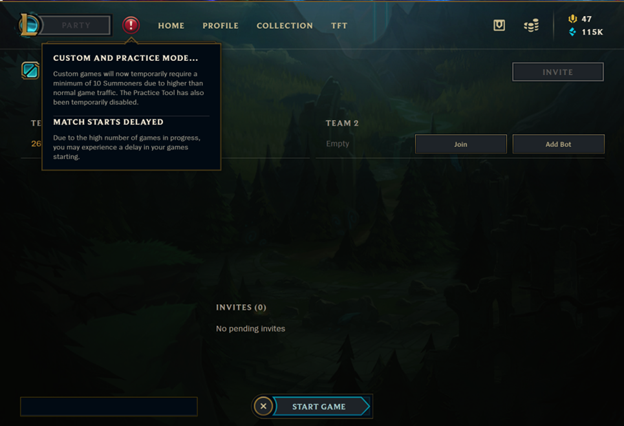 League Of Legends Currently The League Of Legends Client Has
 Fix League Of Legends Won T Launch On Windows 10
 League Of Legends Won T Open Fix For Mac Windows In 2020
 Play Button Grayed Out Here S How To Fix Your League Of Legends
League Of Legends New Client 2019
 League Of Legends Client Doesn T Load Lol Icon With Empty Bar
 Lol Client Lag Fix Chiboost
 Lol Reconnecting Issue Fix Mac Youtube
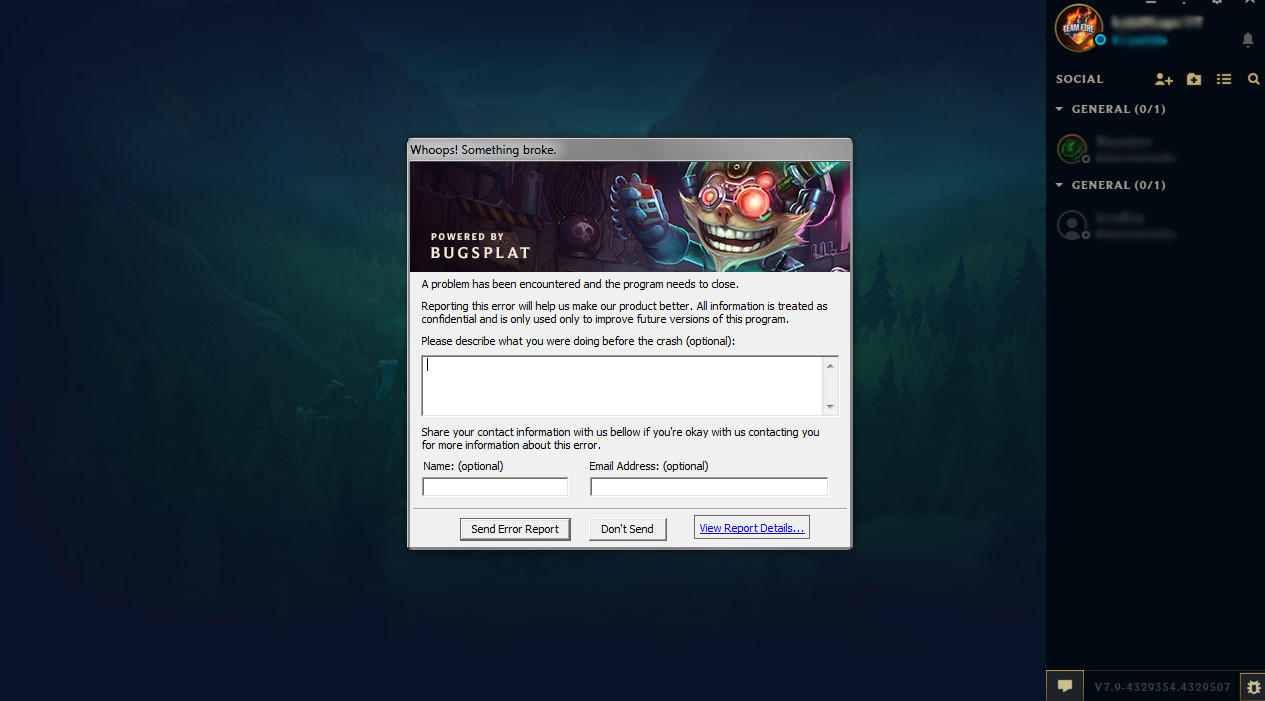
 League Of Legends Currently The League Of Legends Client Has
 Make New Client Fullscreen League Of Legends Youtube
 What To Do If League Of Legends Won T Update
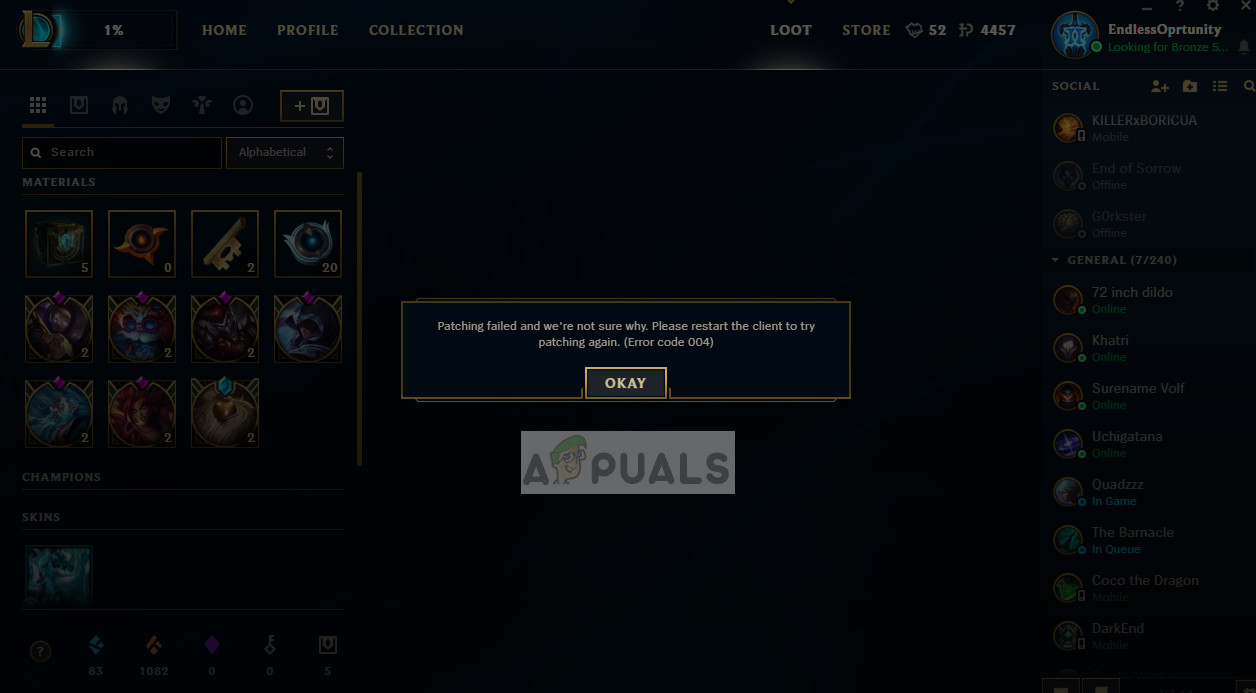 How To Fix League Of Legends Error Code 004 Appuals Com

 Fix There Was A Problem Patching League Of Legends Loop Appuals Com
 Is League Client Not Opening Here Re Fixes That You Can Try
Solved League Of Legends Lag Issue Driver Easy
 I Broke New Tutorial In 1 Minute League Of Legends Youtube
Lol Player Comes Up With Loading Screen Feature To Help New
How To Fix The An Unknown Error Has Occurred Riot Redirect Issue
League Of Legends Client Will Support Arabic Language Soon
How To Fix League Of Legends Loading On Dual Screen Arqade
 Dig On Twitter Lol Pbe New Loading Screen Skins And Client
Lol Loading Screen Ii Client Skin Instructions
League Of Legends Screen Issue Microsoft Community

 League Of Legends Lol Servers Down Ranked Queues Disabled
Lol Client Lag Fix Chiboost
League New Client 2019
 League Of Legends The Client Has An Error Of Choosing An
 Official Update League Of Legends Lol Servers Down Client
 Is League Client Not Opening Here Re Fixes That You Can Try
 Change Lol Client Language To Korean Not Working On The New
 League Of Legends Launcher Not Working Jeanssys
 Https Encrypted Tbn0 Gstatic Com Images Q Tbn 3aand9gctp6z7tviedk8be4cmbn6fo Xdqqf9jbsdh3hcwxgtjr5afdsc2 Usqp Cau
League Of Legends Currently The League Of Legends Client Has
 League Of Legends Client Not Opening After I Hit Launch

 Riot Developer Portal
League Of Legends Client Sound Settings Youtube
 League Of Legends Friends List Error Chat Status And Gamewatcher
League Of Legends Crashes Here S How To Fix Them
Fix League Of Legends Won T Launch On Windows 10
 League Of Legends Crash Update Problems Not Opening Fix
 League Of Legends Not Full Screen Leagueoflinux
 Riot Gives First In Game In Client Look At New League Of Legends
 Is League Client Not Opening Here Re Fixes That You Can Try
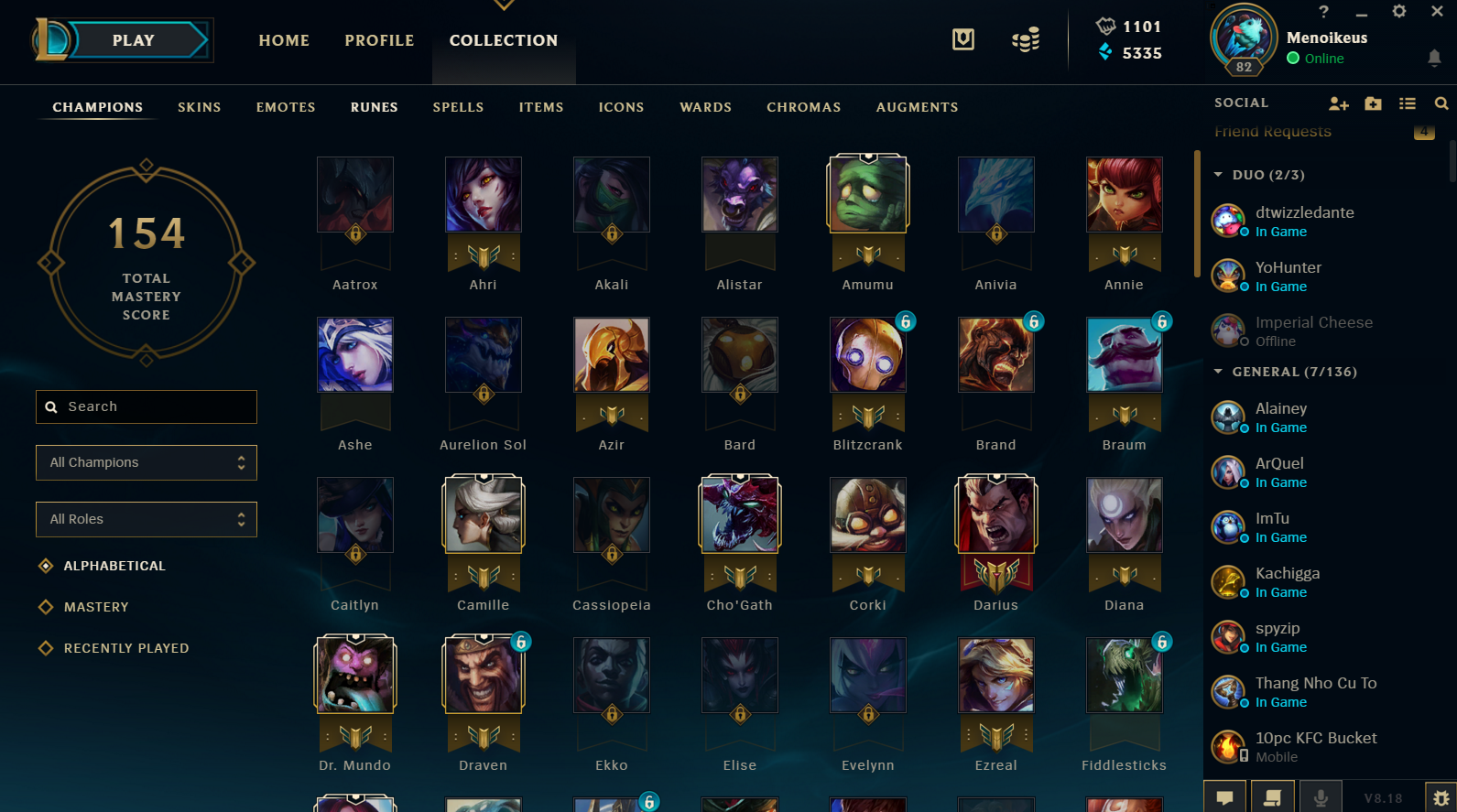 The Ui Of League Of Legend S Client Dat Thanh Nguyen Medium
 League Of Legends Wishlist For 2020

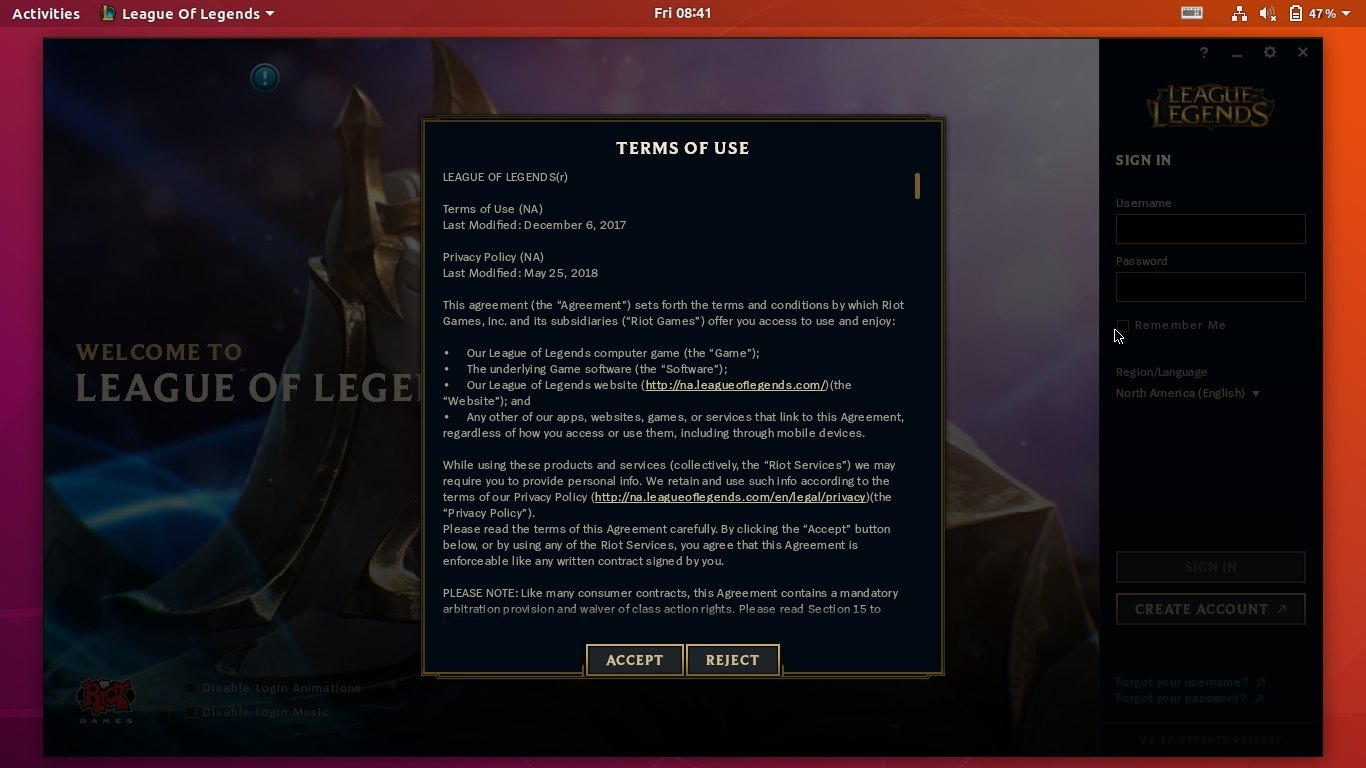
 League Players Are Reporting A Never Ending Loading Screen Bug
 New Lol Loading Screens Leagueoflegends
 Riot Store League Of Legends Wiki Fandom
 League Of Legends Lutris
 Client Bug Causes League Of Legends Players To Lose Lp
 Installing The Updated League Client League Of Legends Support
 Lol League Of Legends Client Not Working Not Showing Friends
 Is League Client Not Opening Here Re Fixes That You Can Try

 How To Fix League Of Legends Not Opening Issue
 Https Encrypted Tbn0 Gstatic Com Images Q Tbn 3aand9gctsivz2l4vsghpv4zwrcffcj95osvcwu 7m9kkhkdqi9pitkerr Usqp Cau
 Match Accept Bug That Only Started Happening In 9 4 And 9 5
How To Uninstall League Of Legends On Mac Macfly Pro
 League Of Legends Tm Client Has Stopped Working Youtube
 3 Ways To Repair League Of Legends Wikihow
 League Client Not Working Properly Album On Imgur
 All Categories Retirementfasr
 League Of Legends Lutris
Lol Client Logo
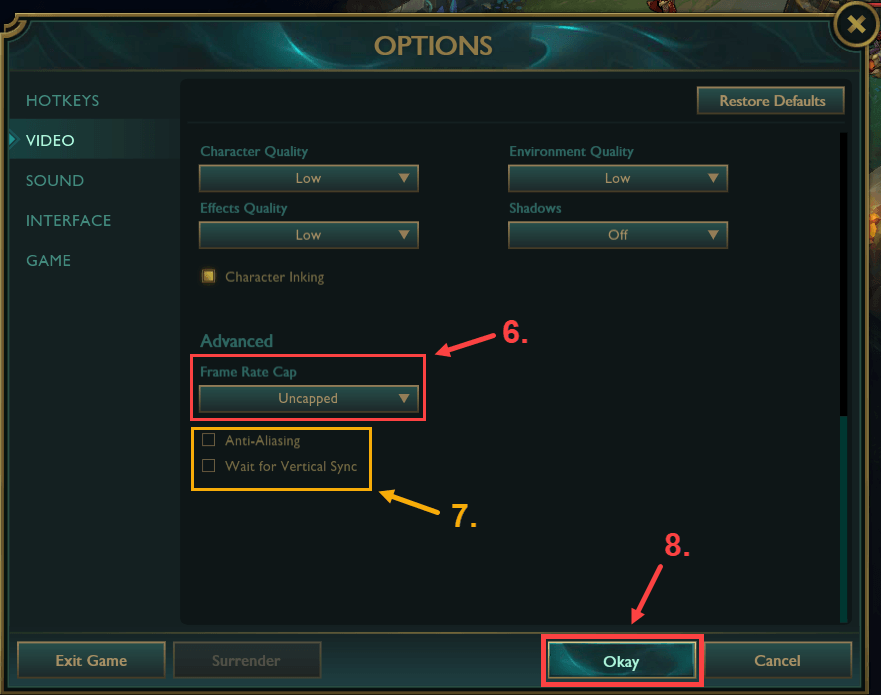 Solved League Of Legends Lag Issue Driver Easy
 Overwolf Support Help Center


Releases Molenzwiebel Deceive Github
wow fantastic app you can try Cube Escape Mod Apk
BalasHapus